
The distinctive sound of a beeping hoverboard can quickly turn excitement into frustration. Whether you’re a seasoned rider or just starting your journey on this futuristic mode of transport, an unexpected beep can be a mystery. Is it a warning? A malfunction? Or simply a notification? Understanding the various reasons behind your hoverboard’s beeping is crucial for safe and enjoyable operation.
Hoverboards, also known as self-balancing scooters, are sophisticated pieces of technology that rely on a complex interplay of sensors, motors, and batteries. When one of these components isn’t functioning optimally, the device often signals this through audible alerts. These beeps are not arbitrary; they are designed to communicate specific issues to the rider, ranging from low battery levels to critical system errors. Ignoring these signals can lead to abrupt stops, potential damage to the hoverboard, or even rider injury.
Key Takeaways
-
- Low Battery: A common cause of beeping is a depleted battery, signaling the need for a recharge.
- System Errors: Beeps can indicate internal malfunctions, such as sensor issues, motor problems, or connection failures.
- Overload/Imbalance: Exceeding weight limits or improper mounting can trigger beeps as a safety measure.
- Calibration Issues: If the hoverboard’s internal gyroscope or sensors are misaligned, it may beep to indicate a need for recalibration.
- Component Malfunction: Faulty wiring, damaged internal parts, or issues with the motherboard can all lead to persistent beeping.
- Environmental Factors: Extreme temperatures or wet conditions can sometimes affect sensor readings and trigger alerts.
- Manufacturer Specifics: Different brands and models may use distinct beep patterns or sequences to denote various problems.
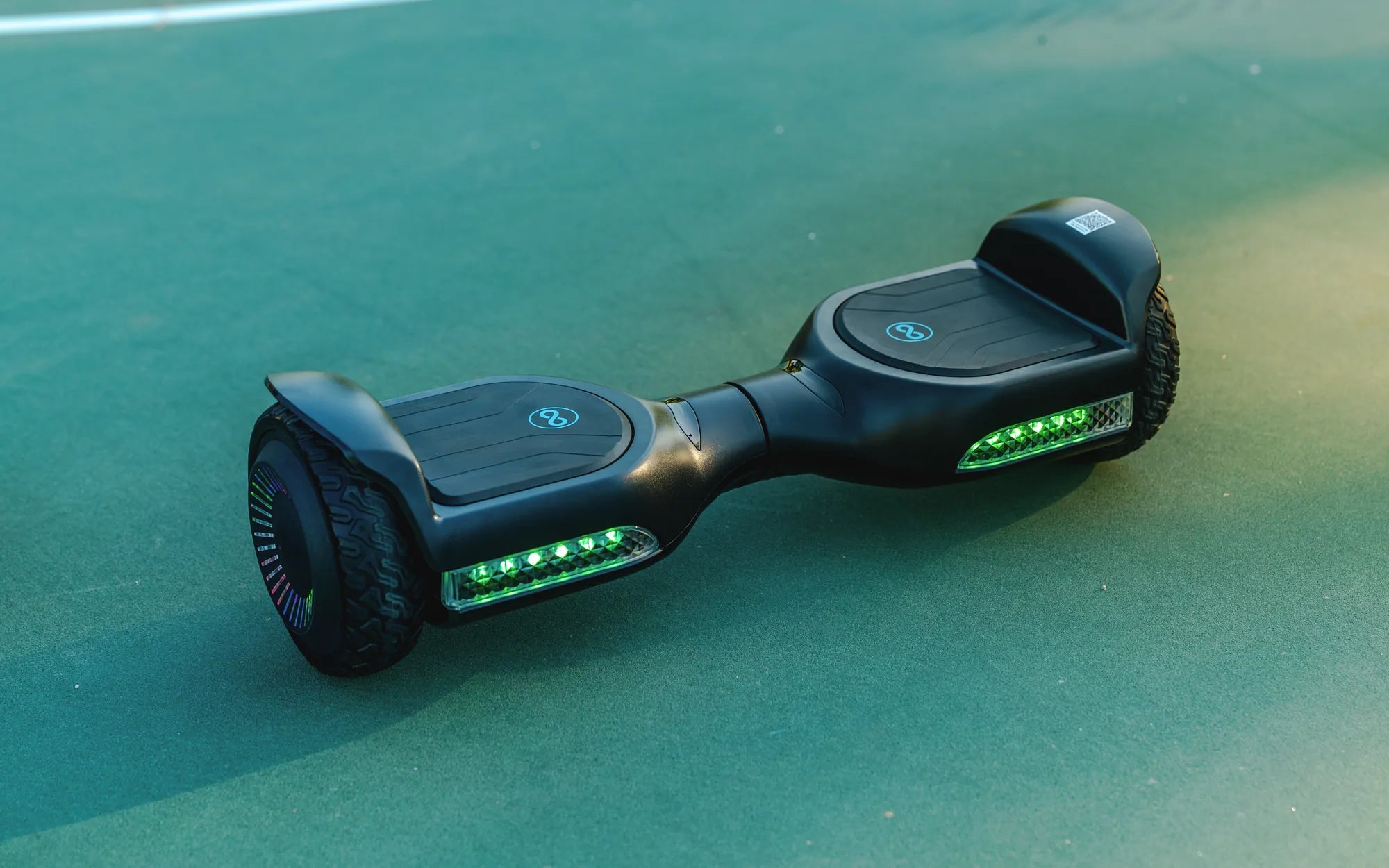
Credit: gyroorboard.com
Understanding Hoverboard Beep Codes: A Diagnostic Guide
Hoverboards are designed with built-in diagnostic systems that communicate potential problems through a series of audible alerts, primarily beeps. These beeps are not universal; their meaning can vary significantly between different manufacturers and models. However, a general understanding of common beep patterns can help you quickly diagnose and address issues.
The primary goal of these beeps is to alert the rider to a condition that could compromise safety or the functionality of the device.
The Role Of Sensors And Gyroscopes
At the heart of a hoverboard’s operation are its sensors, particularly the gyroscopes and accelerometers. These components constantly monitor the board’s orientation and tilt. When you step on, they detect your weight distribution and initiate motor responses to keep you balanced.
If these sensors are dirty, damaged, or miscalibrated, they can send incorrect data to the motherboard, leading to erratic behavior and, often, a persistent beep. For example, if the gyroscope on one side is faulty, the board might perceive an imbalance that isn’t actually there, triggering a warning beep.
Battery Status Indicators
One of the most frequent reasons for a hoverboard to beep is a low battery. Most hoverboards will emit a series of beeps or a continuous tone as the battery level drops below a critical threshold. This is a crucial safety feature designed to give the rider ample warning to find a safe place to dismount before the battery completely dies, which could cause the board to stop abruptly.
Typically, this warning occurs when the battery reaches around 10-20% charge.
Motor And Wheel Functionality
Each wheel on a hoverboard is powered by an independent motor. The motherboard monitors the performance of these motors, ensuring they are working in sync and responding correctly to sensor input. If a motor is overheating, jammed, or experiencing an electrical fault, the hoverboard will likely beep to alert you.
This could manifest as a single, loud beep or a series of rapid beeps. In some cases, only one wheel might be affected, leading to the board pulling to one side or refusing to move forward.
Motherboard And Internal Connections
The motherboard is the central processing unit of the hoverboard, managing all operations. Issues with the motherboard itself, such as a short circuit, a blown fuse, or corrupted firmware, will almost always result in beeping. Similarly, loose internal wiring or damaged connectors between components like the battery, motors, and motherboard can disrupt communication and trigger error beeps.
These are often more serious issues that may require professional repair.
Weight Limit And Overload Warnings
Hoverboards have a specified weight capacity. Exceeding this limit, or even significant fluctuations in weight distribution while riding, can stress the internal components and sensors. As a safety mechanism, many hoverboards will beep if they detect an overload condition. This is to prevent damage to the motors and motherboard and to alert the rider that they are operating the device outside its designed parameters.
Some models also beep when the rider is too light for the sensors to register a stable balance point, or when the board is mounted too abruptly.
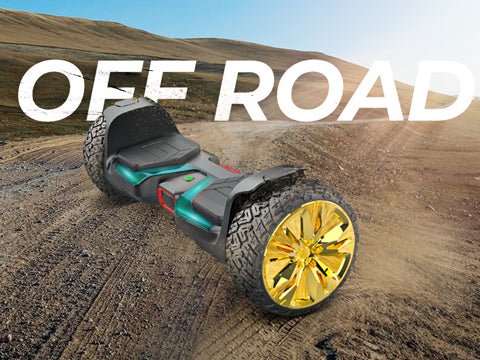
Credit: gyroorboard.com
Common Beep Patterns And Their Meanings
While specific beep codes vary by manufacturer, several common patterns emerge across different hoverboard models. Identifying these patterns is the first step in diagnosing the problem.
Some brands also use beep counts as error codes, so repeated beeps can point to a specific fault rather than a general warning.
Single, Rapid Beeps
A common indication of a low battery. This usually starts when the battery level drops below 20%. The beeping will likely become more frequent as the battery depletes further.
Continuous, Loud Beep
This often signifies a critical system error or overload. It could mean a sensor has failed, a motor is jammed, or the weight limit has been exceeded. In this scenario, it’s often best to dismount immediately.
Alternating Beeps (e.g., Beep-beep… Beep-beep…)
This pattern can indicate improper calibration or a sensor misalignment. It suggests that the hoverboard’s internal balancing system is not functioning correctly and may require recalibration.
A Single, Long Beep Upon Startup
Sometimes, a single long beep when you first turn on the hoverboard can indicate a temporary glitch or a minor sensor issue that might resolve itself. However, if it persists, it could point to a more significant problem.
Beeping When Turning Or Tilting
If the hoverboard beeps specifically when you try to turn or lean in a certain direction, it often points to a faulty gyroscope or accelerometer on one side, or an issue with the corresponding motor.
Beeping That Stops After Recalibration
If the beeping stops after you perform a recalibration procedure, it strongly suggests the issue was related to sensor alignment.
Beep Counts That Repeat In A Pattern
On some models, the number of beeps itself is the diagnostic clue. For example, one beep may indicate a mainboard or wiring issue, two beeps a side board fault, three beeps a motor short, four beeps a Hall sensor problem, and higher counts may point to battery voltage, communication, or orientation errors. Always confirm the exact meaning in the model’s manual because these codes are not standardized.
Troubleshooting Steps For A Beeping Hoverboard
When your hoverboard starts beeping, don’t panic. Follow these systematic troubleshooting steps to identify and potentially resolve the issue. Remember to always prioritize safety and dismount the hoverboard if it feels unstable or the beeping is accompanied by erratic movement.
1. Check The Battery Level
This is the simplest and most common cause.
-
- Action: Connect the hoverboard to its charger and allow it to charge fully. Observe if the beeping stops during charging or after a full charge.
- Pro Tip: Most hoverboards have an LED indicator light that changes color (often from red to green) when fully charged. Consult your user manual for specific indicators.
2. Perform A Recalibration
Many beeping issues, especially those related to balance and turning, can be resolved by recalibrating the hoverboard’s internal sensors. The procedure varies by model, but generally involves the following:
-
- Ensure the hoverboard is turned off and placed on a flat, level surface.
- Make sure both footpads are perfectly level and parallel to the ground.
- Press and hold the power button for 5-10 seconds until you hear a beep or see flashing lights.
- Turn the hoverboard off, wait a few seconds, and then turn it back on.
- Test the hoverboard to see if the beeping has stopped.
- Note: Consult your hoverboard’s specific user manual for the exact recalibration steps, as they can differ significantly. Some models require holding the power button while charging, or using a specific sequence of button presses. On certain brands, the reset takes only three to five seconds, while others require closer to 15 seconds.
3. Inspect For Physical Damage And Debris
External factors can interfere with sensor function and motor operation.
-
- Turn off the hoverboard and unplug it.
- Carefully inspect the wheels, wheel wells, and sensor areas for any visible debris, such as rocks, mud, or tangled strings.
- Clean any accumulated dirt or debris using a soft brush or a damp cloth. Ensure the device is completely dry before attempting to power it on again.
- Check for any cracks or damage to the casing, footpads, or wheels that might indicate an internal component has been compromised.
4. Test Weight Distribution And Limits
Ensure you are operating the hoverboard within its designed parameters.
-
- Confirm your weight is within the manufacturer’s specified range (typically between 44 lbs / 20 kg and 220 lbs / 100 kg).
- When mounting, step on one foot at a time, placing your weight evenly. Avoid jerky movements.
- If the beeping occurs only when a specific person rides it, or under certain weight distributions, it might indicate an overload issue or a sensor struggling with uneven pressure.
5. Check Internal Connections (advanced)
If you are comfortable with electronics and have checked the basics, you can investigate internal connections. Warning: This may void your warranty.
-
- Ensure the hoverboard is completely powered off and disconnected from the charger.
- Carefully remove the outer casing (usually secured by screws).
- Visually inspect the wiring harnesses connecting the motherboard, battery, motors, and sensors. Look for any loose wires, frayed insulation, or signs of corrosion.
- Gently ensure all connectors are firmly seated. Do not force any connections.
- Reassemble the casing and test the hoverboard.
6. Consider Environmental Factors
Extreme conditions can sometimes affect performance.
-
- Avoid using the hoverboard in very hot or very cold temperatures, as this can impact battery performance and sensor accuracy.
- Do not operate the hoverboard in wet conditions or puddles, as water damage can cause short circuits and sensor malfunctions, leading to beeping. Ensure the hoverboard is dry if it has been exposed to moisture.

Credit: www.youtube.com
When To Seek Professional Help
If you’ve gone through the troubleshooting steps and the beeping persists, it’s likely a more serious internal issue. Attempting further repairs without proper knowledge could cause more damage or pose a safety risk.
Signs Of A More Serious Problem
-
- Persistent Beeping After All Basic Troubleshooting: If recalibration, charging, and cleaning don’t resolve the issue.
- Erratic Movement or Complete Failure to Balance: The hoverboard lurches, stops suddenly, or refuses to self-balance even after recalibration.
- Burning Smells or Overheating: Any unusual smells or excessive heat emanating from the device are serious indicators of a component failure.
- Visible Damage to Internal Components: If you opened the casing and saw burnt circuits, loose wires that cannot be reconnected, or damaged parts.
- Water Damage: If the hoverboard was submerged or exposed to significant moisture and is now beeping.
Options For Repair
-
- Manufacturer Warranty: If your hoverboard is still under warranty, contact the manufacturer or the retailer you purchased it from. They can guide you through the repair or replacement process. Keep your proof of purchase handy.
- Professional Repair Services: Look for local electronics repair shops that specialize in personal electric vehicles or hoverboards. They have the expertise and tools to diagnose and fix complex issues like motherboard failures or motor problems.
- DIY Component Replacement (Advanced Users): For experienced individuals, it might be possible to order replacement parts (e.g., motherboards, batteries, sensors) and perform the repair themselves. However, this requires technical skill and carries the risk of voiding warranties or causing further damage if done incorrectly. Resources like YouTube tutorials can be helpful, but proceed with caution.
Understanding Specific Component Failures
When basic troubleshooting fails, understanding which component might be failing can help pinpoint the problem. The persistent beeping is often a symptom of a deeper issue within the hoverboard’s intricate system.
Faulty Motherboard
The motherboard is the brain of the hoverboard. If it malfunctions due to a power surge, manufacturing defect, or physical damage, it can send erroneous signals or fail to process correct ones, resulting in constant beeping. This is often indicated by a continuous, loud beep that doesn’t stop, regardless of other actions.
Repairing or replacing a motherboard is usually a job for a professional.
Sensor Malfunctions (gyroscopes And Accelerometers)
Hoverboards rely heavily on their gyroscopic sensors to maintain balance. If these sensors are damaged, misaligned, or contaminated with debris, they can provide incorrect readings. This can lead to the hoverboard believing it’s tilting when it’s not, or failing to detect actual tilts, triggering beeps as a warning.
A common sign of sensor issues is the hoverboard beeping when you try to lean in a specific direction, or if it constantly tries to correct itself even when stationary.
Motor Issues
Each wheel is driven by a motor. Problems like a motor overheating, a bearing failure, or an electrical fault within the motor assembly can cause the hoverboard to beep. If the beep is localized to one side or is accompanied by a grinding noise from a specific wheel, a motor issue is a strong possibility.
Sometimes, a motor might simply be obstructed, and clearing the obstruction could resolve the beep.
Battery Pack Problems
While low battery usually results in a warning beep, a malfunctioning battery pack itself can also cause issues. This could include a faulty battery management system (BMS) within the pack, a low-voltage condition, or damaged cells. If the hoverboard beeps intermittently even when fully charged, or if it shuts down unexpectedly shortly after charging, the battery pack could be the culprit. Warning: Damaged lithium-ion batteries can be a fire hazard. Handle with extreme care and never attempt to repair a damaged battery pack yourself.
Wiring And Connection Faults
Loose wires, corroded connectors, or damaged internal cables can disrupt the flow of information and power between components. This can easily lead to sensor errors or motor control failures, triggering beeps. These issues often arise from physical impact, water damage, or general wear and tear.
Comparison Of Common Hoverboard Brands And Their Beep Alerts
While a universal standard for hoverboard beep codes doesn’t exist, examining common brands can offer insights. It’s always best to refer to the specific manual for your model, but general trends are observable.
Here’s a comparative look at how some popular hoverboard types might indicate issues:
| Brand/Type | Common Beep Indication | Likely Cause | Troubleshooting Focus |
|---|---|---|---|
| Generic/Budget Models | Single, rapid beeps | Low Battery | Charge the device |
| Generic/Budget Models | Continuous, loud beep | System error, overload, sensor failure | Check weight, attempt recalibration, inspect for damage |
| Swagtron Models | Specific beep sequence (refer to manual) | Varies: Battery, motor, sensor fault | Consult Swagtron manual for code breakdown, recalibrate |
| Hover-1 Models | Steady beep or flashing lights | Low battery or system fault | Charge fully, perform recalibration |
| Segway Mini/Ninebot Models | Voice alerts or specific beep patterns | Low battery, system errors, firmware issues | Check app diagnostics, charge, recalibrate, update firmware if available |
| High-Performance/Off-Road Models | Often more complex alerts, may include app notifications | Can range from simple battery to complex motor/controller issues | Refer to specific model manual, check app, professional diagnosis may be needed |
Example Case Study: The Persistent Beep of a Budget Hoverboard
Sarah purchased a budget hoverboard for her son’s birthday. After a few weeks of use, it started emitting a continuous, high-pitched beep shortly after being turned on, making it unusable. Her initial thought was a low battery, but charging it overnight didn’t resolve the issue.
She then attempted the standard recalibration process by holding the power button, but the beeping continued.
Upon closer inspection, Sarah noticed that one of the footpads seemed slightly loose. She carefully (and after ensuring the device was off and unplugged) examined the area around the footpad. She discovered a small rock lodged near the sensor mechanism underneath.
After carefully removing the debris and cleaning the area, she reassembled the hoverboard. Turning it on, she was relieved to hear silence, the beep was gone, and the hoverboard functioned normally. This case highlights how even simple external factors, like debris interfering with sensors, can cause persistent beeping.
Safety Considerations When Dealing With Beeping Hoverboards
A beeping hoverboard is not just an annoyance; it’s a signal that demands attention, especially concerning safety. Ignoring these alerts can lead to hazardous situations.
Immediate Actions For Rider Safety
-
- Dismount Safely: If the hoverboard starts beeping unexpectedly, especially if it’s a loud, continuous tone or accompanied by erratic movement, dismount immediately. Try to step off smoothly, one foot at a time.
- Avoid Riding: Do not attempt to ride the hoverboard if it is beeping persistently, especially if you suspect a critical system error or overload. Riding an unstable or malfunctioning hoverboard increases the risk of falls and injuries.
- Check Weight Limits: Always ensure you and any potential passengers are within the hoverboard’s specified weight capacity. Overloading can cause immediate safety issues and damage the device.
Battery Safety
Lithium-ion batteries, common in hoverboards, require careful handling.
-
- Charging Environment: Always charge your hoverboard in a well-ventilated area, away from flammable materials. Never leave a charging hoverboard unattended overnight or for extended periods.
- Damaged Batteries: If you notice any swelling, leakage, or physical damage to the battery pack, do not attempt to charge or use the hoverboard. Damaged lithium-ion batteries can pose a fire risk. Contact the manufacturer or a professional for disposal and replacement.
- Use Correct Charger: Always use the original charger supplied with your hoverboard. Using an incompatible charger can damage the battery and pose a safety hazard.
Maintenance And Storage
Regular maintenance can prevent many issues that lead to beeping.
-
- Keep it Clean: Regularly clean your hoverboard, paying attention to the wheels and sensor areas to prevent debris buildup.
- Avoid Water: Hoverboards are generally not waterproof. Keep them away from water, rain, and excessively humid environments to prevent internal component damage.
- Proper Storage: Store your hoverboard in a cool, dry place, away from direct sunlight and extreme temperatures. If storing for long periods, ensure the battery is partially charged (around 50-70%) as per the manufacturer’s recommendations.
Frequently Asked Questions
Why Does My Hoverboard Beep Constantly?
A constant, loud beep usually indicates a critical system error, a significant sensor malfunction, or an overload condition. It could also be a sign of a faulty motherboard or wiring issue. It’s crucial to stop using the hoverboard immediately and consult the troubleshooting steps or seek professional help.
My Hoverboard Beeps When I Try To Turn. What’s Wrong?
This often points to an issue with the gyroscope or accelerometer sensors, or the motor on the side corresponding to the direction you’re trying to turn. It might require recalibration, or there could be a fault in one of the sensors or motors.
Can I Fix A Beeping Hoverboard Myself?
Basic issues like low battery or minor debris can often be fixed by the user through charging or cleaning. Recalibration is also a common DIY fix. However, if the problem involves internal components like the motherboard, sensors, or motors, it’s generally recommended to seek professional repair, especially if the device is under warranty.
Does The Brand Of Hoverboard Affect The Beep Codes?
Yes, absolutely. Different manufacturers use distinct beep patterns and sequences to communicate various issues. While some basic alerts like low battery warnings are common, specific error codes can vary significantly between brands like Swagtron, Hover-1, Segway, and others. Always refer to your specific model’s user manual for accurate interpretation.
How Do I Prevent My Hoverboard From Beeping In The Future?
Regular maintenance is key. Keep the hoverboard clean, especially around the wheels and sensors. Avoid riding in wet conditions or extreme temperatures. Always ensure you are within the weight limit and mount the board smoothly. Charge the battery correctly and avoid over-discharging it.
Performing periodic recalibrations can also help maintain optimal sensor performance.
The journey with a hoverboard, like any technological device, can sometimes involve troubleshooting. Understanding why your hoverboard might be beeping is the first step towards resolving the issue and getting back to enjoying your ride. By systematically checking the battery, performing recalibrations, inspecting for physical obstructions, and being aware of potential component failures, you can often diagnose and fix the problem yourself.
However, always prioritize safety, and don’t hesitate to seek professional assistance when faced with more complex internal issues or if the device is still under warranty. With proper care and attention, your hoverboard can provide hours of fun and convenient transportation.